For Planners
In-House Wedding Planning at a Venue: Tools for Coordinators
If your venue team plans the wedding, you need planner tools: a client portal, questionnaires, a task board, preferred vendors, and one record per event. Here is how to set that up.
Editorial Team · September 16, 2026
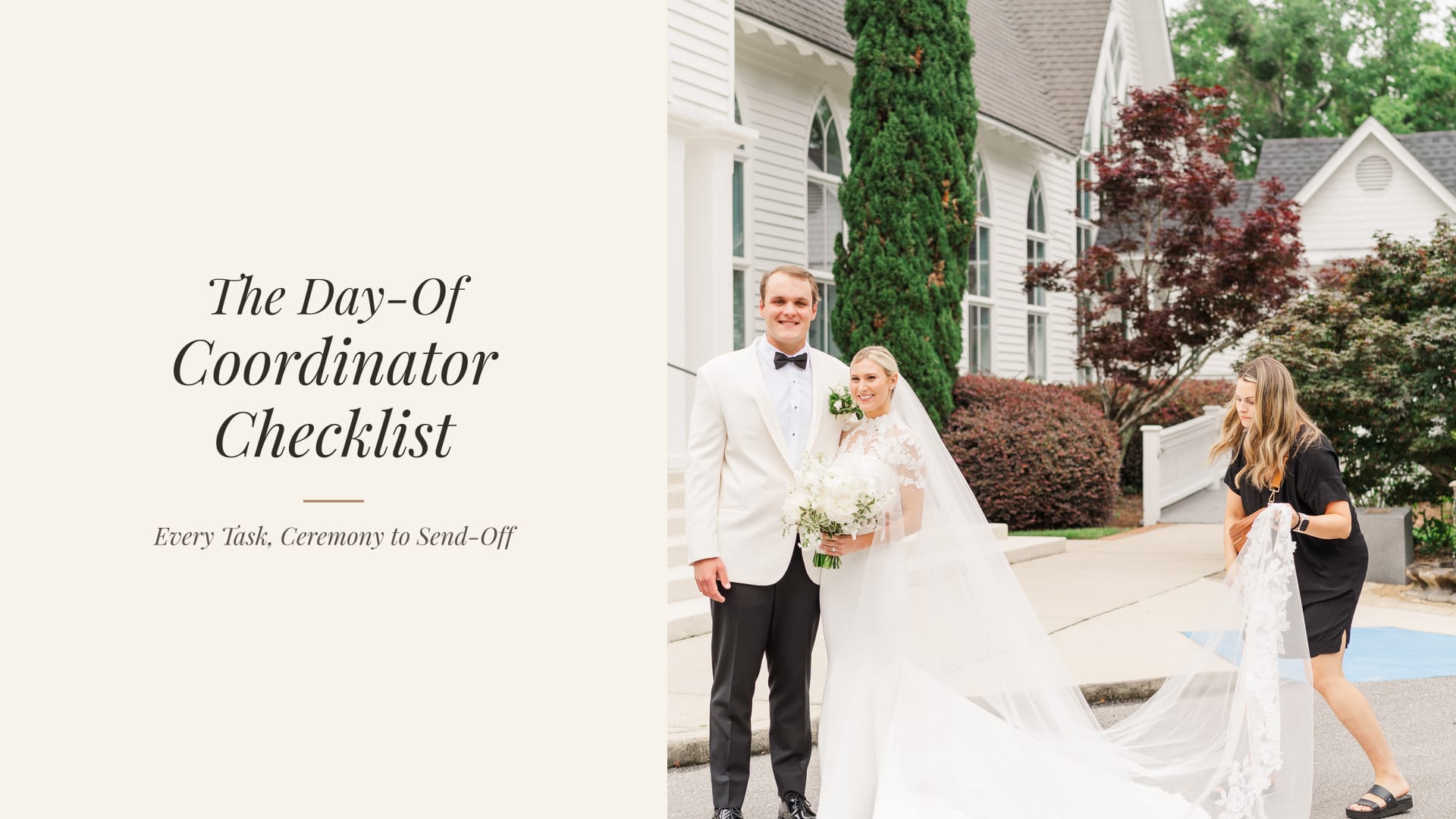
In-house wedding planning at a venue is still wedding planning. The coordinator at a golf club, barn, or estate who builds the timeline, chases vendor insurance, seats the room, and runs the cue sheet is not a "venue add-on." They are the planner for that wedding. The software should treat them that way.
This guide is for coordinators and club managers who sell a date and then execute the day. It is not for properties that only rent space and hand the couple a preferred-vendor PDF.
Choose Planner at signup
There is no separate Venue role. Vendor with specialty Venue is the sales CRM. If you plan the wedding for couples who book you, choose Planner so the client portal, questionnaires, task board, and preferred-vendor list are in the same workspace.
What in-house planning actually includes
The job usually spans both sides of booking:
- After the tour, translating house rules into a package the couple can sign
- Collecting decisions: layout, timing, vendors, meals, rain plan
- Coordinating preferred or required vendors with the couple's outside hires
- Building a day-of timeline the photographer, caterer, and DJ can follow
- Running the wedding and closing out counts, overtime, and leftover items
A sales CRM can store the lead. It cannot be the only home for that list. The planner CRM is the path that continues into a wedding workspace, including one timeline-enabled wedding on the free plan.
Why Vendor is the wrong account for this job
Vendor accounts are built for businesses that get invited into someone else's wedding: florists, DJs, caterers, and rental-only venues. They get a free CRM for their own leads and documents. They do not own a wedding workspace. That is intentional. A florist should not receive a full planning OS because they booked a couple.
An in-house coordinator who signs up as Vendor, specialty Venue, gets that same sales CRM. The planning tools stay out of reach, which looks like a product gap and is actually a role choice. The role picker explains the fork and offers Switch to Planner when specialty is Venue.
A coordinator setup that matches the club calendar
- Sign up as Planner from the venue CRM page so the details step already has Planner selected.
- Name the business after the venue, not a personal brand, so couples see the club they booked.
- Keep sales in a vendor login if a different person books dates. Share names, dates, and signed PDFs. Do not force one person to use the wrong role because "we are a venue."
- Onboard each booked couple with the same sequence a private planner uses: welcome, portal, questionnaire, kickoff, next milestone. The planner onboarding checklist maps onto club weddings with almost no translation.
- Load preferred vendors once, then attach the ones this couple is using. Required caterers and bartenders should be obvious in the portal, not buried in a welcome packet.
- Build the timeline in the wedding workspace so the photographer and other vendors see the same run of show you do.
The weekly rhythm at a venue
- Monday: new inquiries and tours that still need a follow-up.
- Midweek: booked weddings with a questionnaire or final-count deadline in the next 14 days.
- Friday: next weekend's floor plan, vendor list, and timeline, exported or shared from the same record.
If the coordinator still maintains a personal spreadsheet for "who is on site Saturday," the wedding record is not the source of truth yet. Move the vendor contacts and call times first. The rest of the spreadsheet usually dies on its own.
What the couple should see
Open the portal as the couple. They should know the date is booked, what they still owe, what to do next, and where the latest layout or timeline lives. If those four answers require a phone call to the club, the portal is a file dump rather than a planning home. Put the questionnaire, payment schedule, and preferred-vendor list where they will actually look, then stop sending the same attachments again.
Planning Pod, BEOs, and the two-product trap
Venue teams often outgrow a general event suite because they paid for banquet-event-order depth they barely use, then still ran the wedding in email. The Planning Pod alternatives guide is honest about that split. Hospitality groups that need room-block and BEO machinery should compare venue-first platforms. Coordinators who need a wedding operating system should not keep paying per event for tools they never open.
You can try the planner path without another monthly subscription. The free plan includes the CRM, portal, questionnaires, and one wedding workspace. Paid plans add more active weddings, team seats, texting, and AI.
Frequently asked questions
We are a venue. Why would we pick Planner?
Because Planner describes the work, not the building. If your staff plans and runs the wedding, that is the planner product. Vendor is the sales CRM for the property.
Can the sales manager stay on Vendor?
Yes. Book the date on Vendor. Plan the wedding on Planner. That split matches how most clubs already staff the job.
Will couples need their own paid account?
No. They use the branded portal you send them. Invited couples can work in the wedding workspace you share without buying a professional plan.
What if we already created a vendor account?
Switch the role to Planner rather than starting over. If you have already entered leads, keep the vendor login for sales and add a planner login for coordinators. Migrating a few booked couples is faster than teaching a sales CRM to be a day-of tool.
The coordinator is the planner.
Start the in-house planning workspace free
Choose Planner at signup. Keep unlimited clients, one timeline-enabled wedding workspace, and no deadline to upgrade.