For Photographers
How to Sell Prints and Albums From Your Wedding Gallery
Set up a gallery store once, let pre-written campaigns and gallery extensions do the selling, and see what arrives on your side when a couple or a guest orders a print, a wall set or an album.
Colara · October 23, 2026
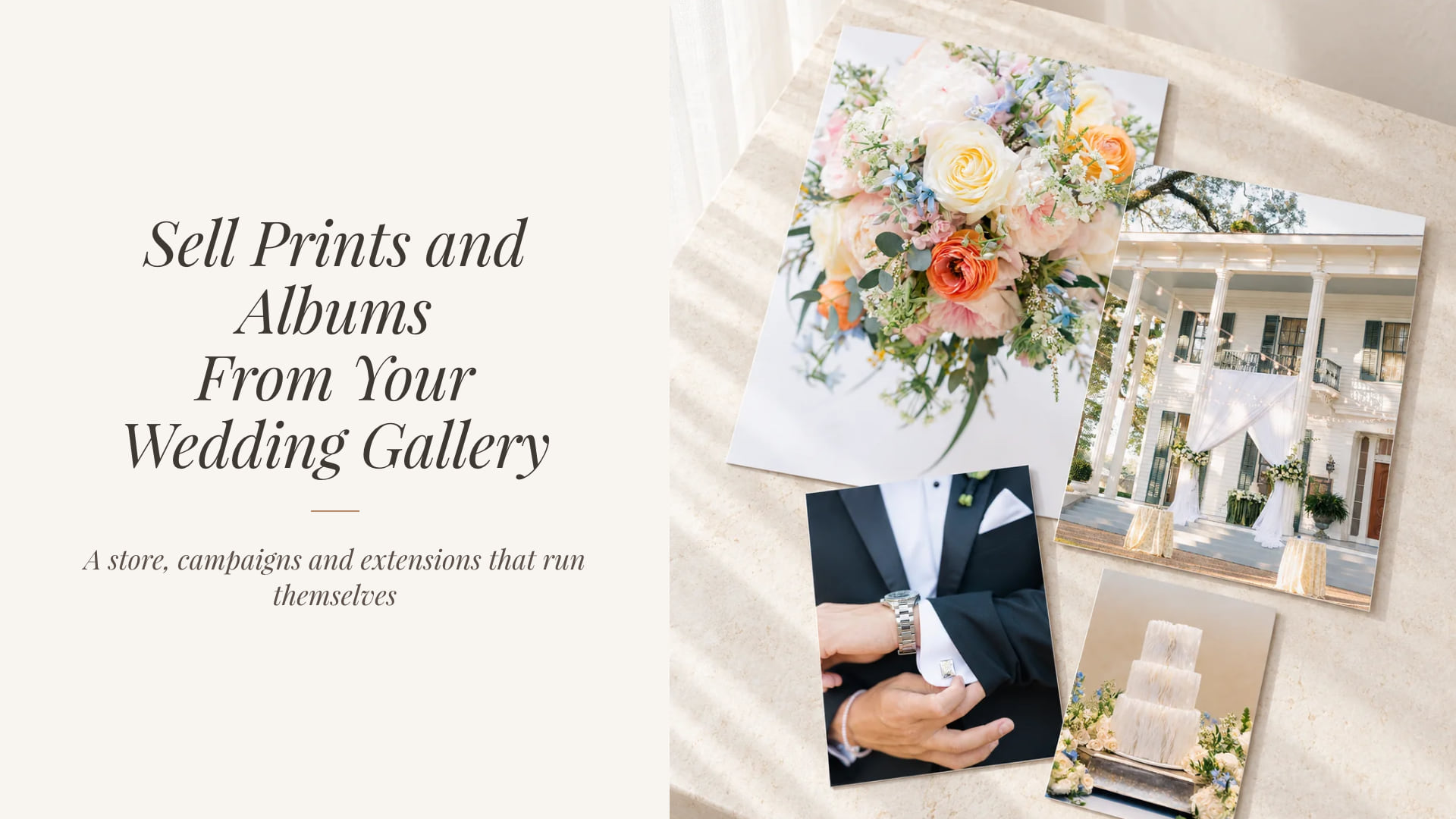
A gallery store is the simplest money a wedding photographer can add. The photographs are already delivered, the couple and the guests are already looking, and the lab does the printing.
The catch has always been the setup and the selling. This guide shows how to set up a store once, let pre-written campaigns and gallery extensions do the selling, and what arrives on your side when someone orders a print, a wall set or an album.
In short
- Set up once. Stripe, print and download prices, your own products and an album price. Every new gallery inherits them.
- Campaigns are pre-written. Early bird, Left in the cart, Gallery closing sale and holiday prints, each edited and switched on per gallery.
- Extensions sell themselves. Free, or paid from $15 for 30 days, offered right in the closing reminder.
- Your money, your Stripe. Paid plans pay no platform fee. The Free plan pays the same 1% card fee as invoices.
Set up the store once
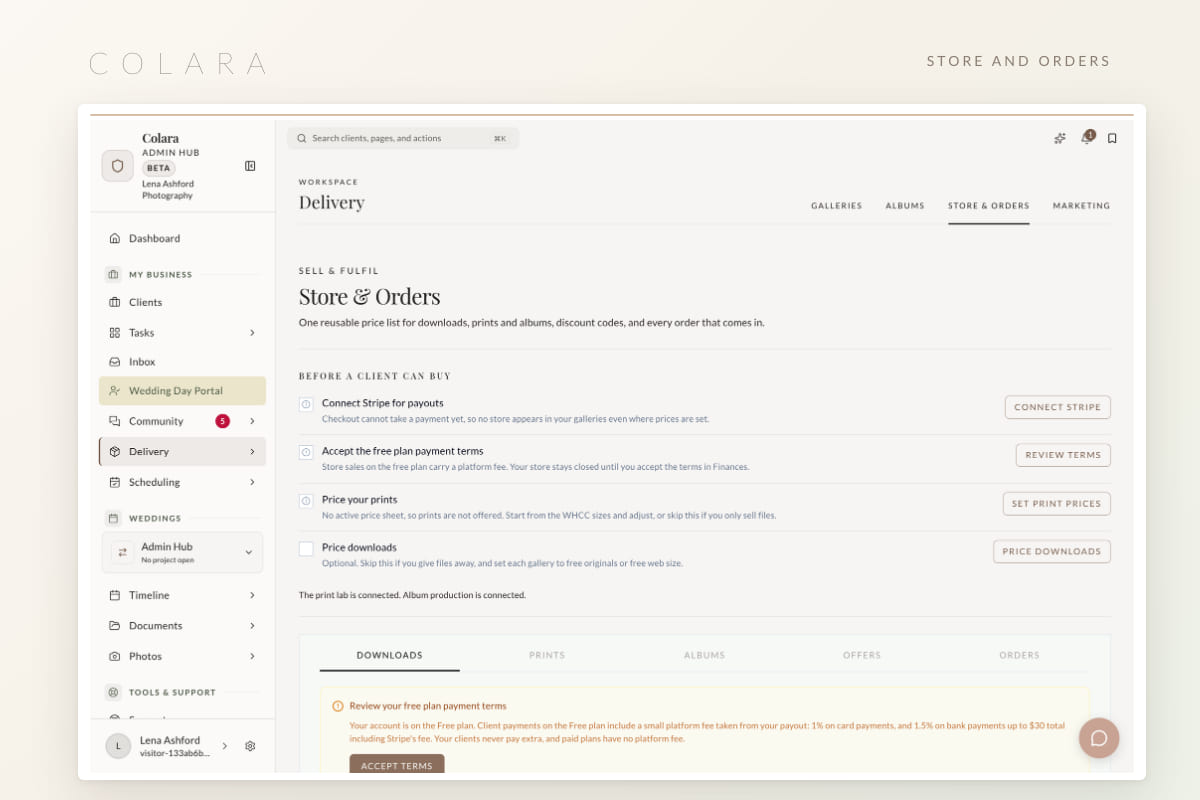
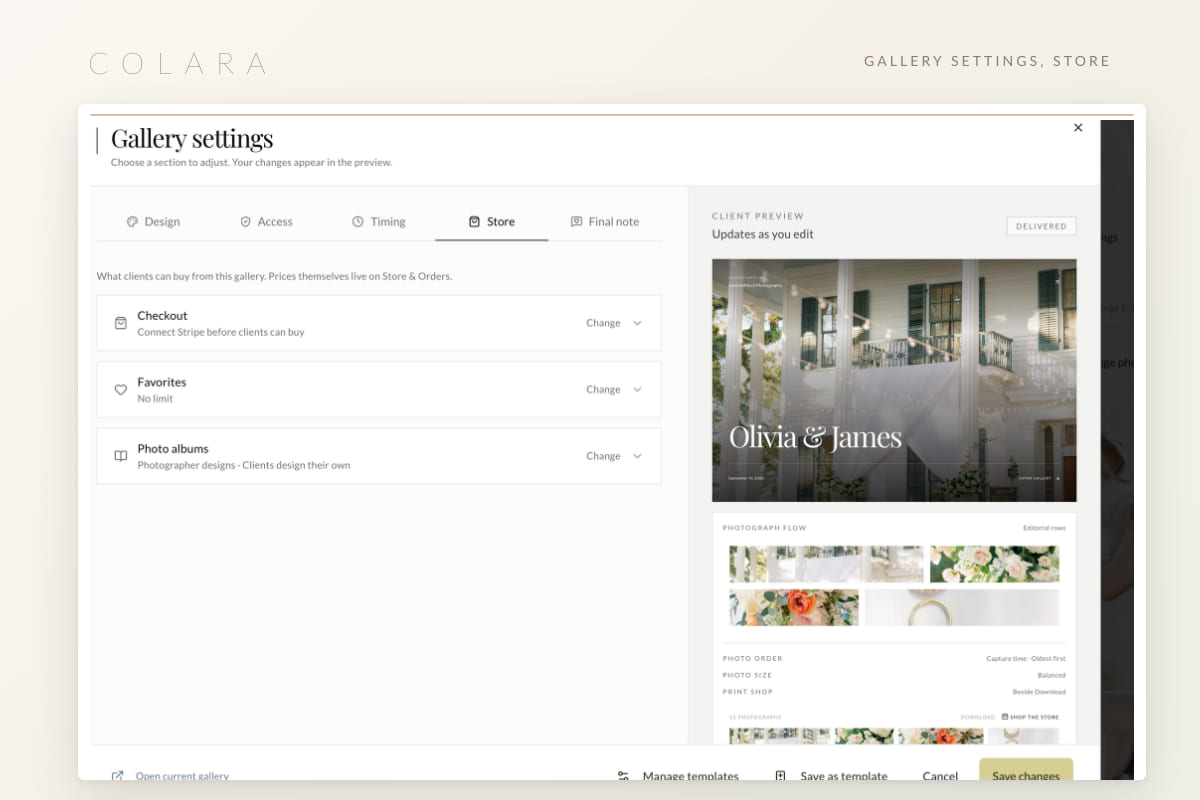
Store and Orders lives in your Delivery workspace, with a checklist that walks you through the setup.
1. Connect Stripe
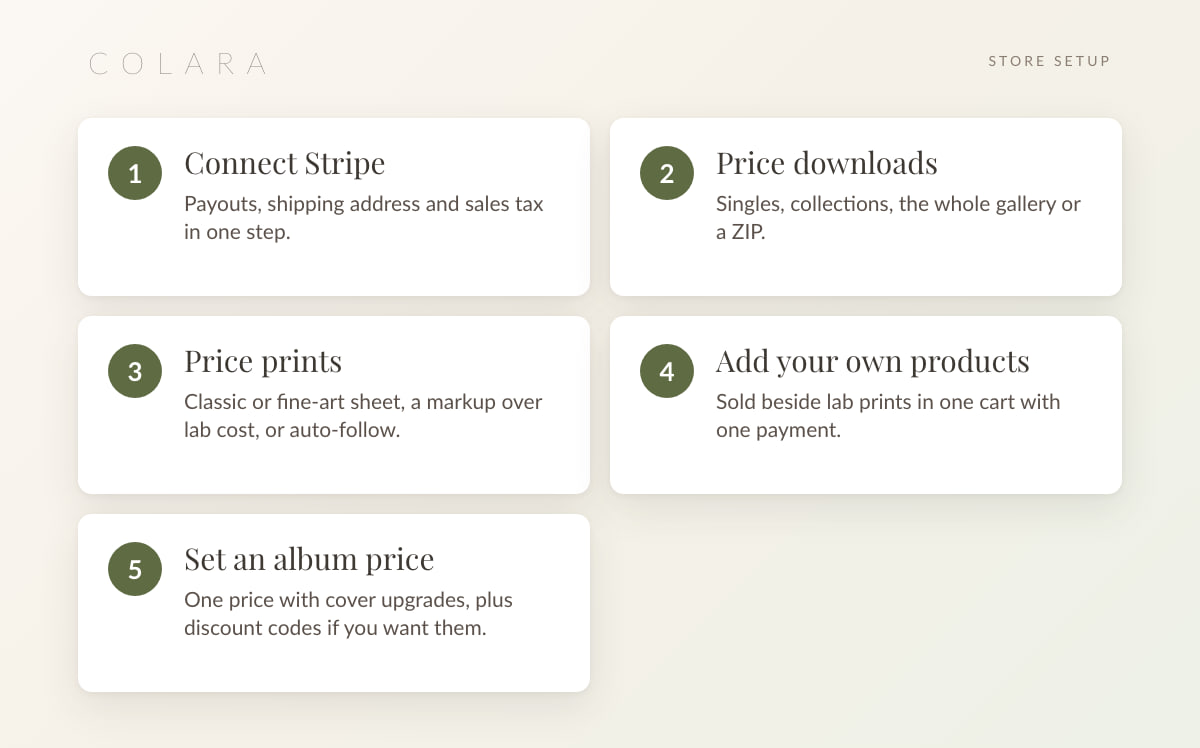
Payouts, your shipping address and sales tax in one step. Money goes to your Stripe account, not through ours.
2. Price downloads
Singles, collections, the whole gallery, or a ZIP. Many photographers include downloads for the couple and sell them to guests.
3. Price prints
Pick a price sheet. Classic or fine-art, then a percentage markup over lab cost, or auto-follow so your prices move when the lab's do. Lustre, Deep Matte and Pearl papers, fine art, canvas, metal and framed are all available. Prices must cover lab cost. Borders and frame colors are yours to set.
4. Add your own products
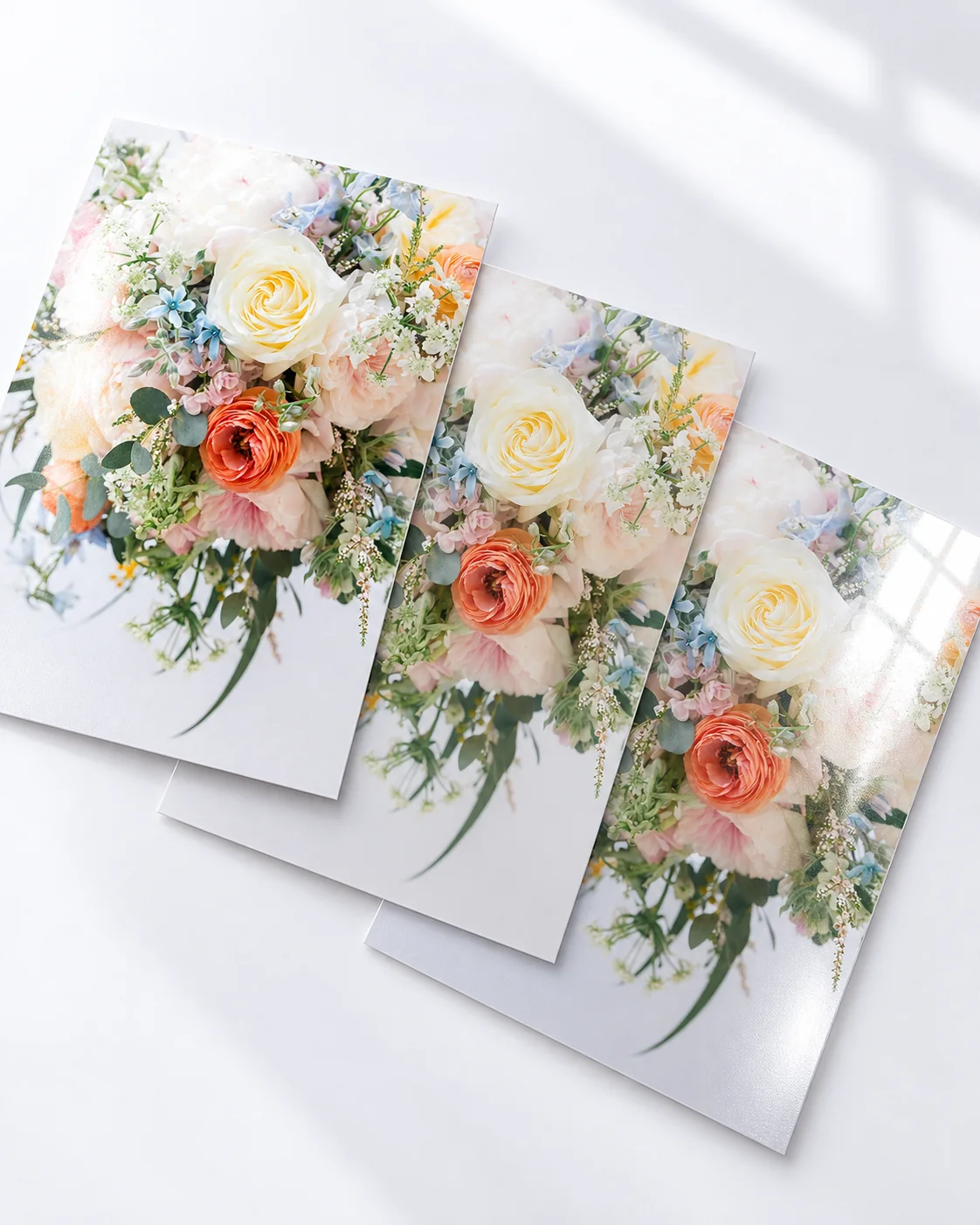
Things you fulfil yourself sell beside lab prints in one cart with one payment. You get an order sheet and the cropped files.
5. Set an album price
One price with cover upgrades, plus a companion copy price for parents. A print release PDF can go out with every order. Album design and proofing are covered in their own guide.
Every new gallery inherits the store and your templates, so the setup really is once. Per-gallery switches live in that gallery's Store settings.
What buying looks like

- Print on every photograph. Pick a size and a paper, confirm the crop, done.
- Or start from the product. Choose a wall set first (pair, trio, grid or story, shown at true scale), then fill it with photographs.
- One Stripe checkout. Prints, your products and an album in a single payment.
- Orders in the portal. The couple sees their orders next to the gallery.
Walk through a purchase as the couple would. The photographer demo has a priced store and the campaign starters.
Open the demoCampaigns that sell while you edit
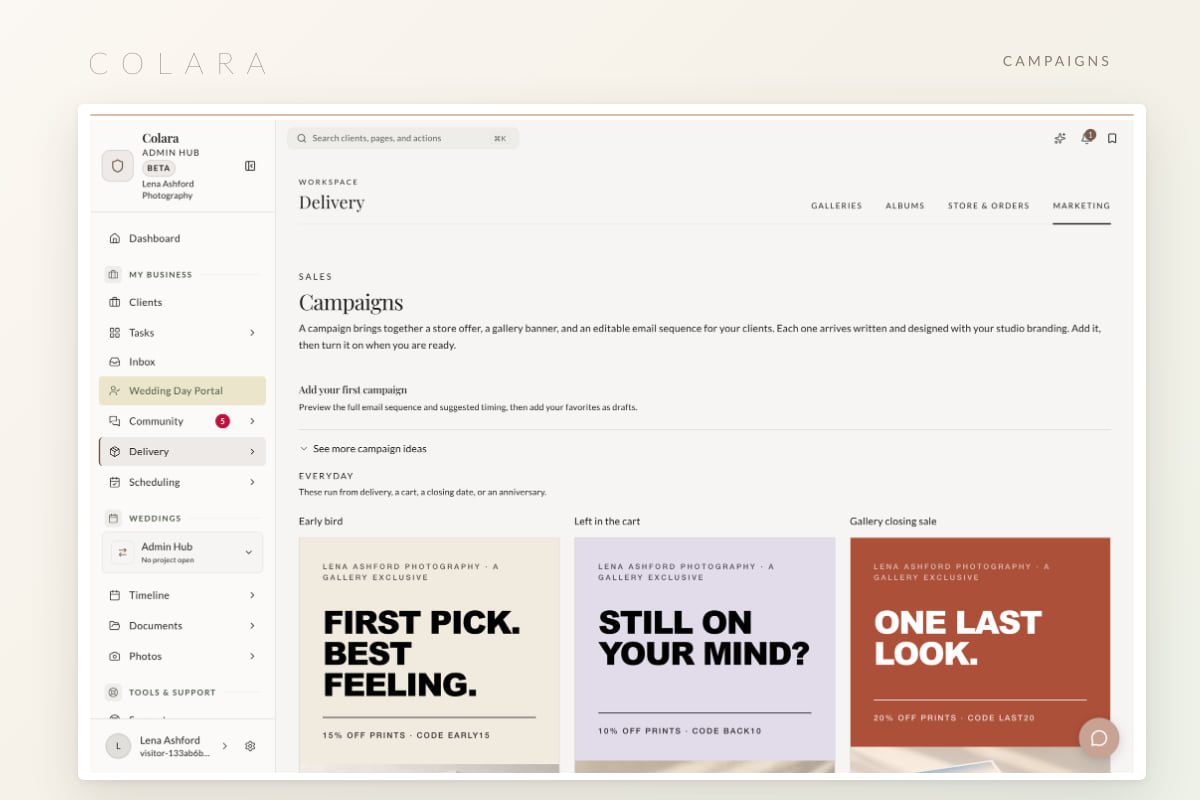
Four pre-written campaigns, each with an opening email and two reminders.

- Early bird. A discount in the first days after delivery, while the couple is still sharing the gallery.
- Left in the cart. A nudge for anyone who started a checkout and stopped.
- Gallery closing sale. A last window before the closing date.
- Black Friday, Cyber Monday and holiday prints. Seasonal sends to every open gallery you choose.
Use this adds a campaign turned off. Edit the opening email and the two reminders, swap the artwork and headline, choose which galleries it runs on, and preview the send times before switching it on. Reminders stop when someone buys or unsubscribes, and the discount code is saved in Store and Orders. If you also plan events, the same idea runs the planner automations.
Extensions: a second life for a closing gallery

Free or paid. Extend 30 days, 90 days or a year for free, or let clients pay from $15 for 30 days, $25 for 90 days, or $49 for a year. The prices are editable.
The reminders do the asking. Closing reminder emails open to the extension options, so you never write the awkward "your gallery expires Friday" email yourself.
Orders, buyers and fees
- Orders list. WHCC orders go to the lab automatically, failed ones can be recovered, the buyer gets status emails, and refunds happen from the same screen.
- Buyers per gallery. Each buyer links to your CRM, or add a guest as a past client in one click.
- Event galleries. A We choose your photos option for events where guests buy from a pre-selected set.
- Gifts. Send a print to a couple or a vendor at lab cost.
- Fees. Paid plans pay no platform fee on store sales, only Stripe's processing. The Free plan carries the same 1% card fee as invoices. Details on the pricing page.
Frequently asked questions
How much should I charge for wedding prints?
Start from the lab cost and a markup you are comfortable defending, then adjust by paper and size. The percentage and auto-follow options keep margins steady when lab prices move. How to price wedding photography covers the wider pricing question.
Can I sell my own prints alongside lab prints?
Yes. Products you fulfil yourself sit in the same cart as WHCC prints, paid in one checkout. You receive an order sheet and the cropped files.
Do campaign emails go out without me seeing them?
No. Each campaign is added turned off. You edit the opening email and both reminders, preview the send times, and switch it on per gallery.
Can clients pay to extend a closing gallery?
Yes. Set paid extensions from $15 for 30 days, $25 for 90 days, or $49 for a year, or offer free ones. The closing reminders present the options.
Where does the money go?
To your own Stripe account. Paid photographer plans pay no platform fee on store sales. The Free plan pays the same 1% card fee as invoices.
Try the store on a demo gallery
The photographer demo includes a priced store and the campaign starters, so you can walk through a purchase as the couple would.
Open the photographer demo