Wedding Business
How to Set Up a Wedding CRM in 60 Minutes
A practical wedding CRM setup checklist covering pipeline stages, contact fields, templates, automations, migration, and the first weekly review.
Editorial Team · September 4, 2026

A wedding CRM should make the next action obvious. It should not require a week of configuration before the first lead can move through it. This guide gives wedding planners, photographers, venues, florists, and other wedding professionals a useful first version they can build in about an hour.
The goal is not to recreate every process on day one. The goal is to get one real inquiry from first message to booked client without copying names, dates, files, and payment details between disconnected systems.
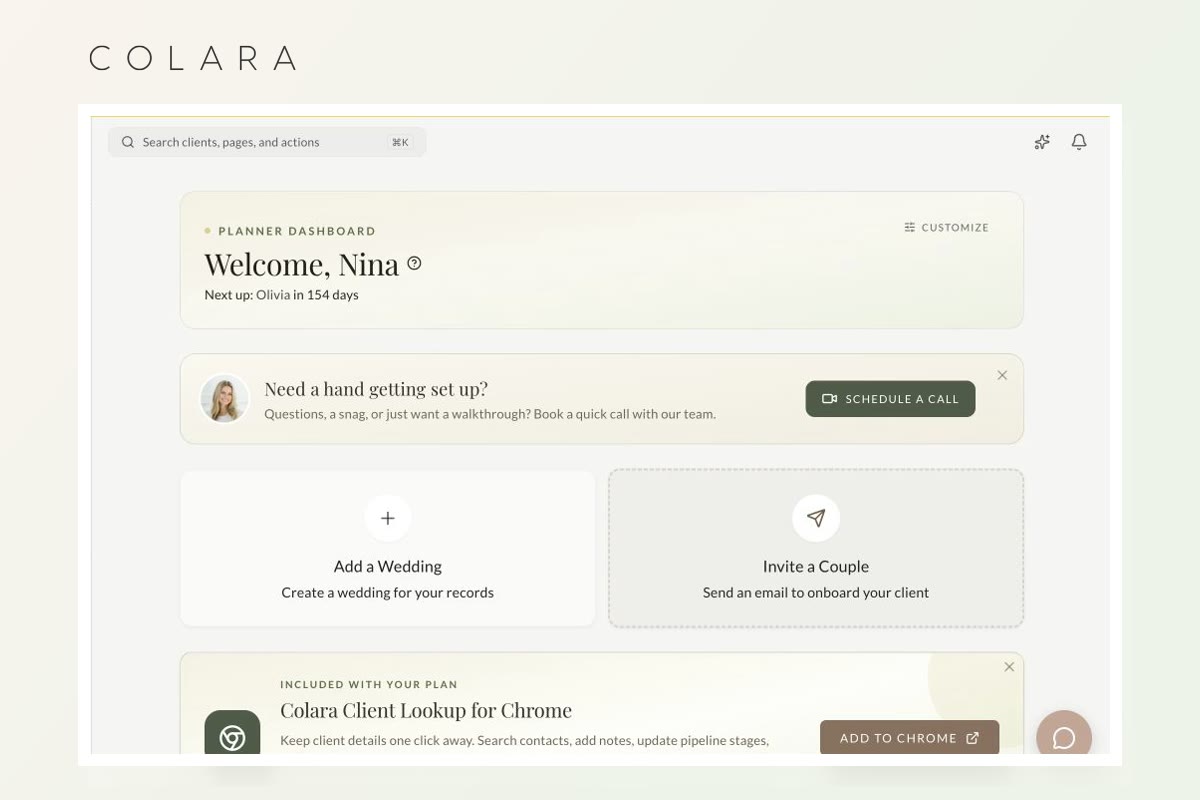
Your 60-minute setup plan
- Build eight stages around real next actions.
- Add only the fields you need to qualify and follow up.
- Create three reusable messages and a few reliable automations.
- Test the complete client journey before importing everything.
Before you start: define what the CRM owns
Write one sentence that names the job of the system. A useful version is: “Every active lead and client has one owner, one current stage, and one next action.” That keeps the CRM focused even when it later connects proposals, contracts, invoices, questionnaires, scheduling, and a client portal.
Decide which information belongs in the CRM and which tool remains authoritative for accounting, gallery delivery, or email marketing. Replacing every tool at once is not a requirement. Removing duplicate entry is the real win.
Minutes 0–10: create a short wedding sales pipeline
Start with stages that change the work you do next:
- New inquiry: the message arrived and still needs a response.
- Qualified: date, location, service, and broad budget appear to fit.
- Consultation scheduled: a call, tour, or meeting is on the calendar.
- Proposal sent: the prospect has a specific offer and booking path.
- Decision pending: the proposal is open and a follow-up date is known.
- Booked: your written booking conditions are complete.
- Active wedding: onboarding is done and planning or delivery is underway.
- Complete or lost: the relationship has a final outcome and reason.
The companion wedding CRM pipeline guide explains the entry rule and next action for every stage. Avoid separate stages for Instagram, website, referral, or venue inquiries; those are lead sources, not statuses.
Minutes 10–20: add only the fields that drive decisions
Every required field adds friction. Begin with the smallest record that lets you respond, qualify, schedule, quote, and follow up:
- Primary and partner names
- Email address and phone number
- Wedding date and timezone
- Venue, city, or service area
- Requested service or package
- Estimated value or working budget range
- Lead source
- Current stage
- Last contact date
- Next action, due date, and owner
- Proposal, contract, and invoice status
Use notes for context that matters to the relationship, not facts that should be searchable or reportable. “Found us through Venue A” belongs in a lead-source field. “The couple cares most about an unhurried portrait experience” belongs in notes.
Minutes 20–35: build three reusable templates
Do not begin with a library of twenty emails. Create the three messages most likely to be delayed or forgotten:
- Inquiry acknowledgment: confirms receipt and states when a personal reply will arrive.
- Consultation confirmation: includes time, timezone, format, attendees, and an easy rescheduling path.
- Proposal follow-up: references the offer, answers the next likely question, and names the next check-in date.
Then add the documents that make a booking official: proposal, contract, invoice or retainer schedule, and the first questionnaire. Store the version used with the client record. A template saves time only if the final scope, names, dates, amounts, and cancellation terms are reviewed before sending.
Minutes 35–45: automate the predictable handoffs
Useful starter automations are confirmations and reminders, not a maze of conditional branches. Good candidates include:
- Create a follow-up task when a proposal is sent.
- Send a consultation reminder at a consistent interval.
- Move the record to booked only after your defined contract and payment conditions are met.
- Send the welcome message and client-portal invitation after booking.
- Create the next planning milestone when onboarding is complete.
Keep judgment-heavy communication personal. If a couple asks a specific question or expresses a concern, a generic sequence should pause until a person responds.
Minutes 45–55: prepare the client experience
Open the client portal as if you were the couple. Confirm that it answers four questions: Are we officially booked? What do we owe and when? What should we do next? Where do we find the latest documents and decisions?
A planner may add the kickoff questionnaire and first milestone. A photographer may add the engagement-session task, payment schedule, and timeline questionnaire. A venue may add tour notes, insurance requirements, and final-count deadlines. A florist may add design approval, count deadlines, delivery, and strike details.
Minutes 55–60: move active work and test one inquiry
Import active leads and clients before old archives. Map a small sample first, review names, dates, phones, emails, stages, and notes, then import the remainder. Keep the original export unchanged as a backup. The CRM migration guide explains the safer sequence.
Finally, create a test inquiry using an email address you control. Move it through every stage. Open each client-facing message and document. Confirm that the next action appears where the team will actually see it. Fix the first confusing handoff before adding more automation.
A weekly CRM routine that keeps the setup useful
- Daily: respond to new inquiries and complete overdue next actions.
- Weekly: review proposals, decision-pending leads, and records without a next step.
- Monthly: review lead sources, booking rate, response time, lost reasons, and pipeline value.
If every active record has a stage, owner, and next action, the CRM is doing its job. If the dashboard is colorful but the team still searches email to learn what happens next, simplify it.
Start with a free wedding CRM
You can build this system without starting another paid subscription. The free wedding CRM includes unlimited leads and clients, proposals, contracts, invoices, scheduling, questionnaires, notes, tasks, and a branded client portal. Paid wedding-workspace features are optional. There are focused setup pages for wedding planners and wedding photographers.
Frequently asked questions
How long should wedding CRM setup take?
A useful first version can take about an hour if you limit it to pipeline stages, essential fields, three templates, a few predictable automations, and one test inquiry. Importing and cleaning a large archive is a separate project.
What should I set up first in a CRM?
Start with the pipeline and next-action fields. Templates and automation are easier to design after the team agrees on what each stage means.
Should I import every past client?
Move active leads and clients first. Import completed records only when they support reporting, referrals, repeat work, or legal recordkeeping. Preserve the original export before changing anything.
Can I run a wedding CRM for free?
Yes. A permanent free CRM can handle the lead-to-client workflow, while paid planning and wedding-day features remain optional.
One focused hour. One calmer system.
Build your wedding CRM for $0 a month
Start with unlimited leads and clients, then use this checklist to take your first inquiry all the way to booked.